
Waze App's New features cater specifically to motorcyclists - Available for IOS and Android!
You slot the key in, start the ignition, and feel the engine reverberate from beneath you all the way through your spine to the tips of your fingers. It’s a heady sensation, being one with a vehicle as if your hands are an extension of the handlebars, your identity within the very fuel of your bike or cruiser. It’s no wonder, really, that you so easily get carried away when you’re on the road.
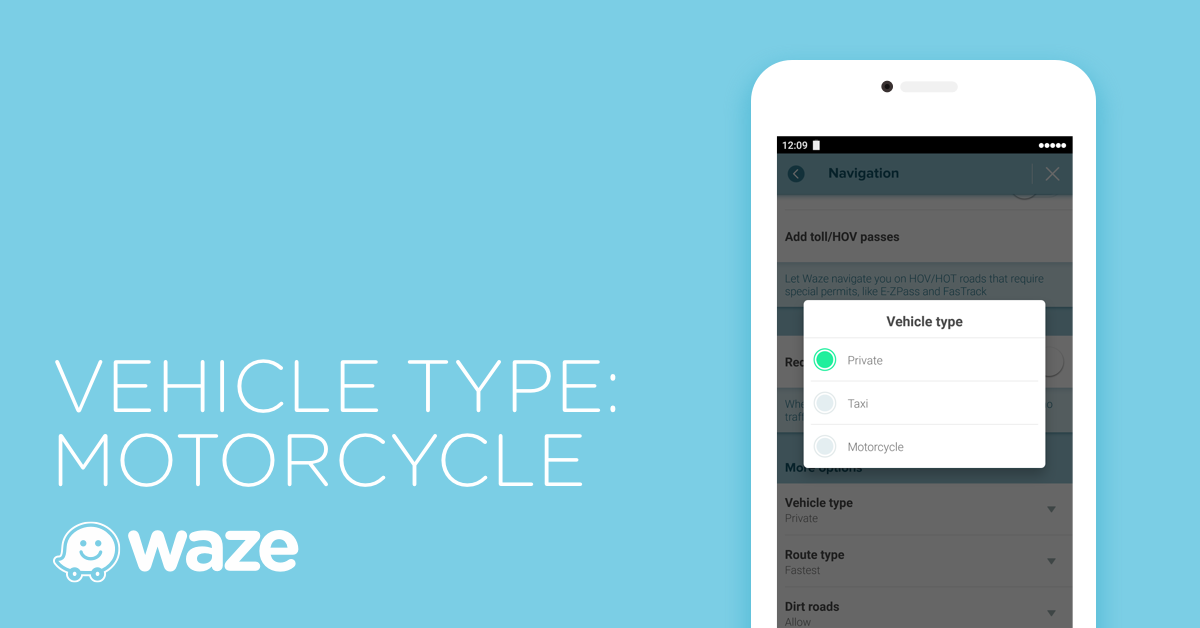
But as much as you love the thrill, you should also pay attention to directions. Unknown to most drivers, the routes for motorcyclists are slightly different from their own which makes it so easy for bikers to get lost. No matter how well you think you know where you’re going, you’ll probably end up in the wrong destination if you haven’t been already.
Lucky for you, Waze has two new features for motorcycle enthusiasts specifically, available for both Apple and Android users.
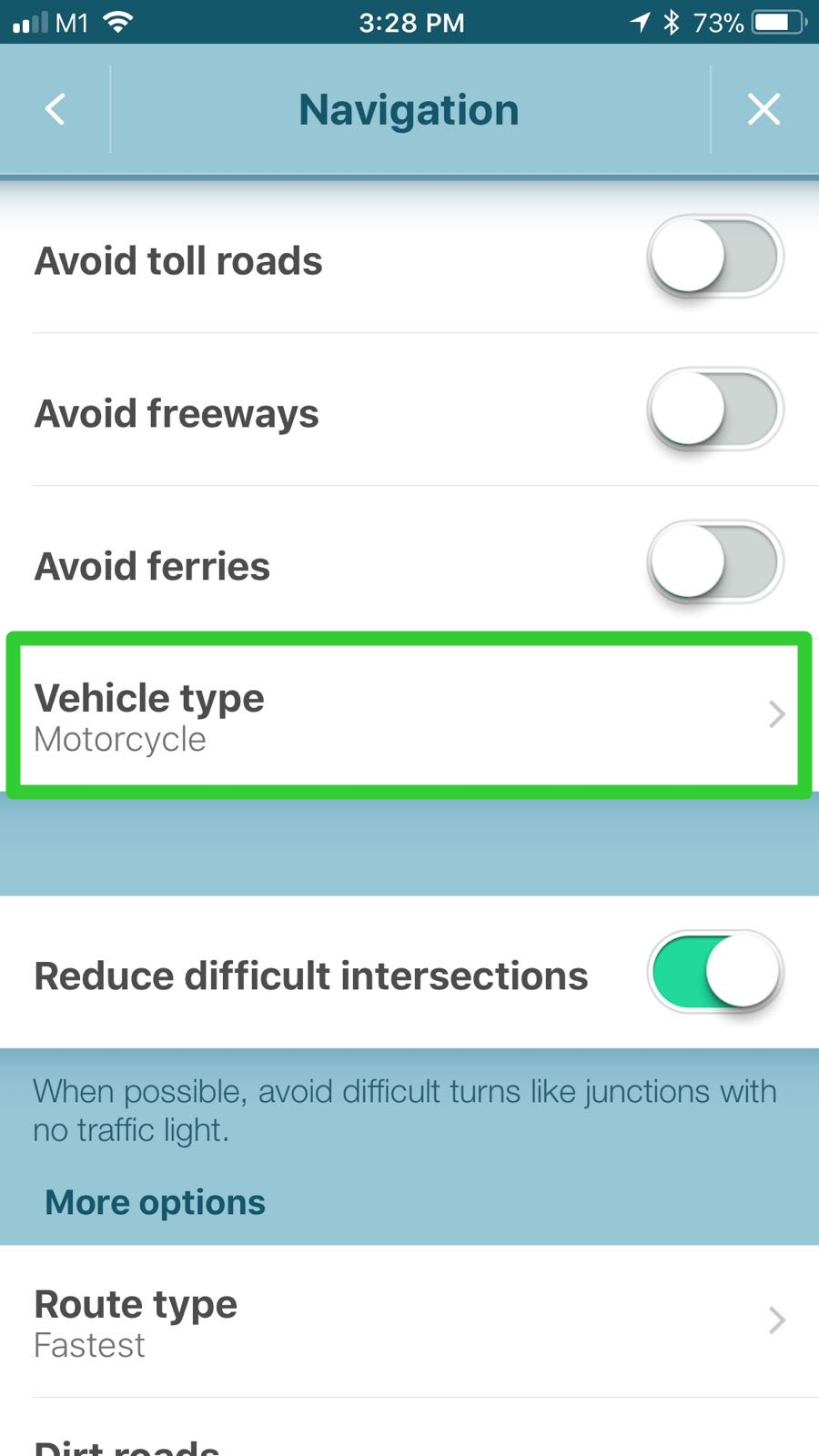
Steps on how to select your vehicle type:
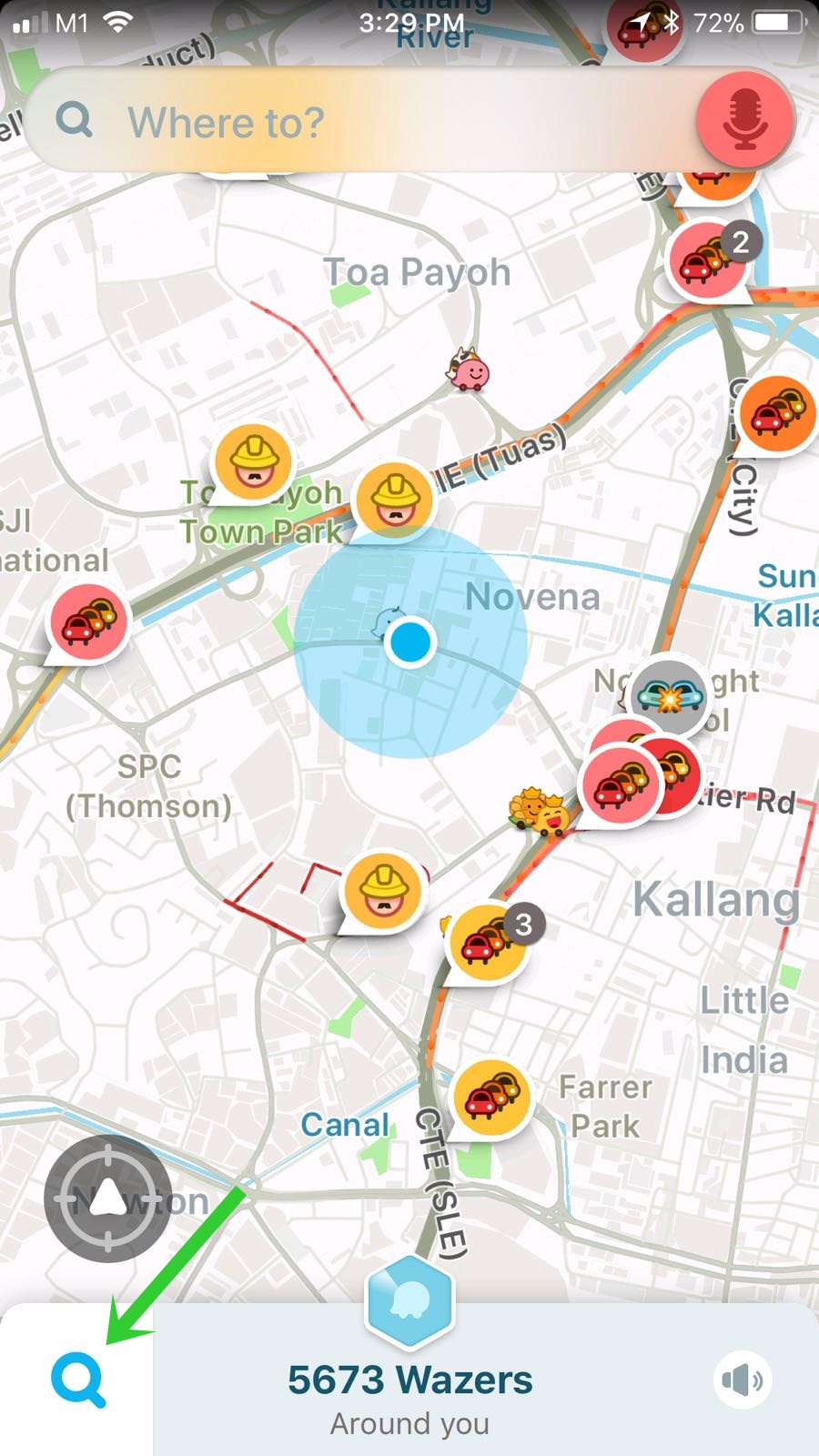
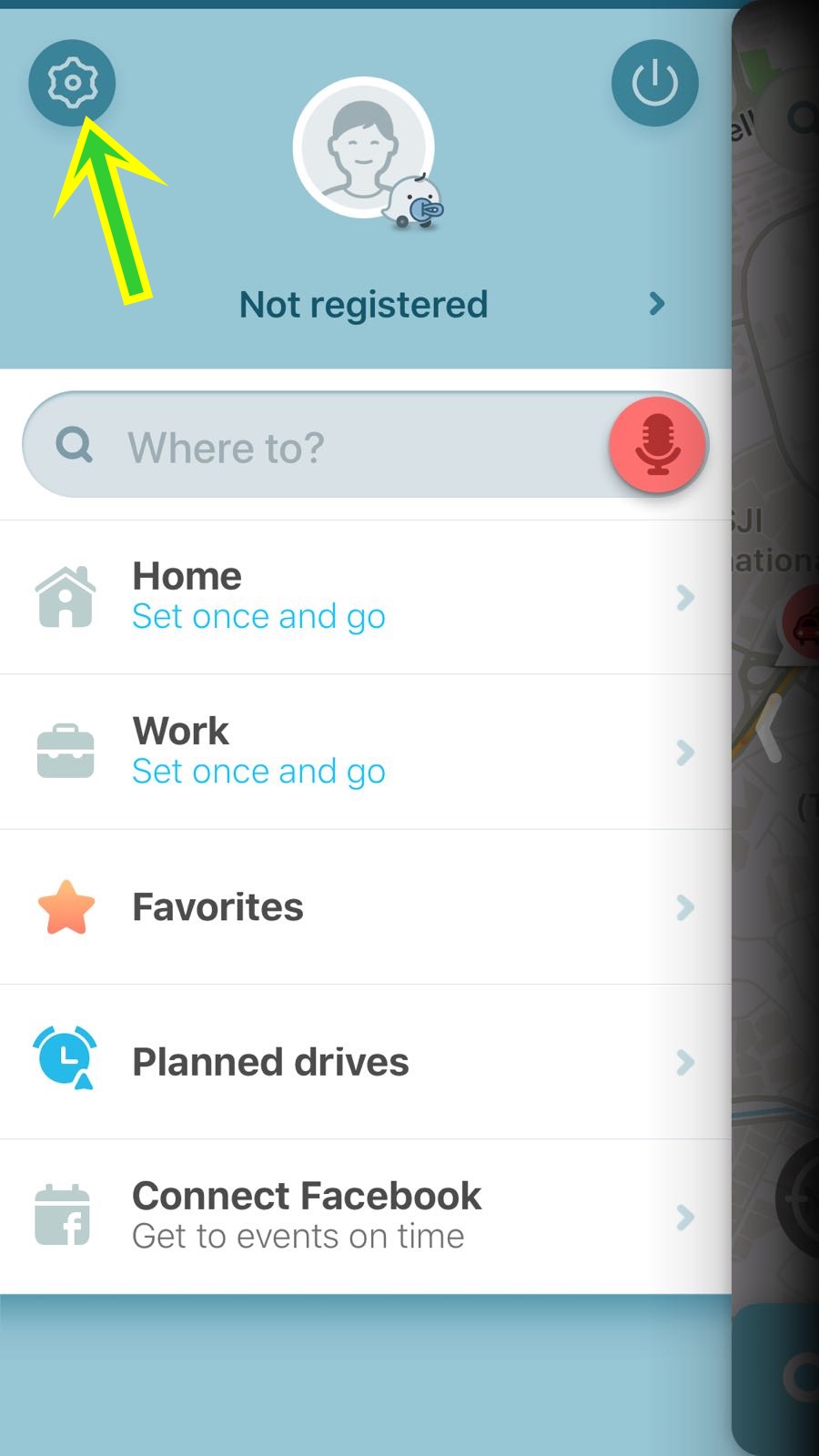
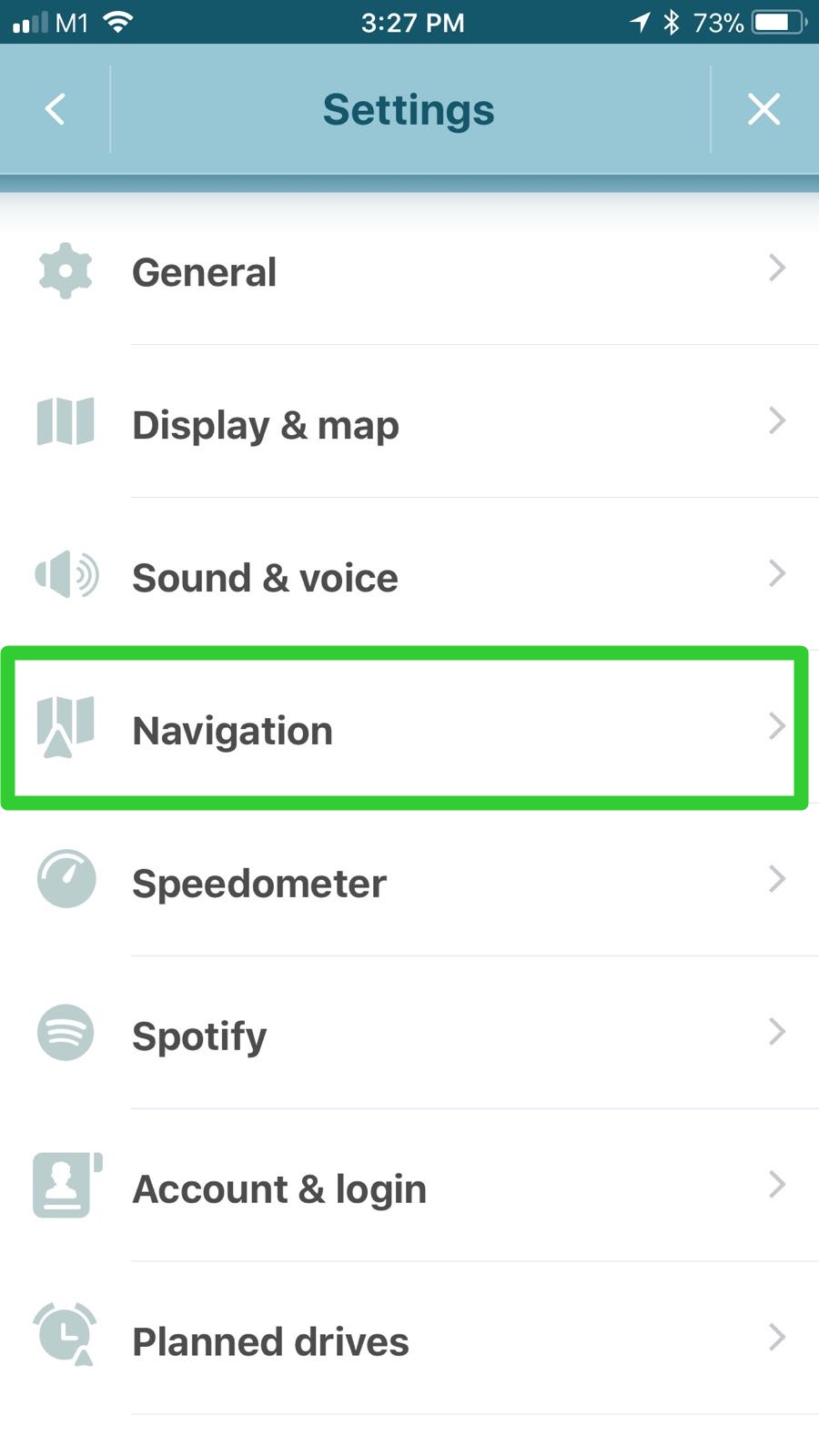
-
Route Recommendations
The navigation app gathers data from other motorcyclists for the best routes to take such as information about routes that have narrow roads that are generally inaccessible by car. By going to Settings and selecting “Vehicle type”, choose the “Motorcycle” option and you can fully utilize this feature.
-
Voice Command
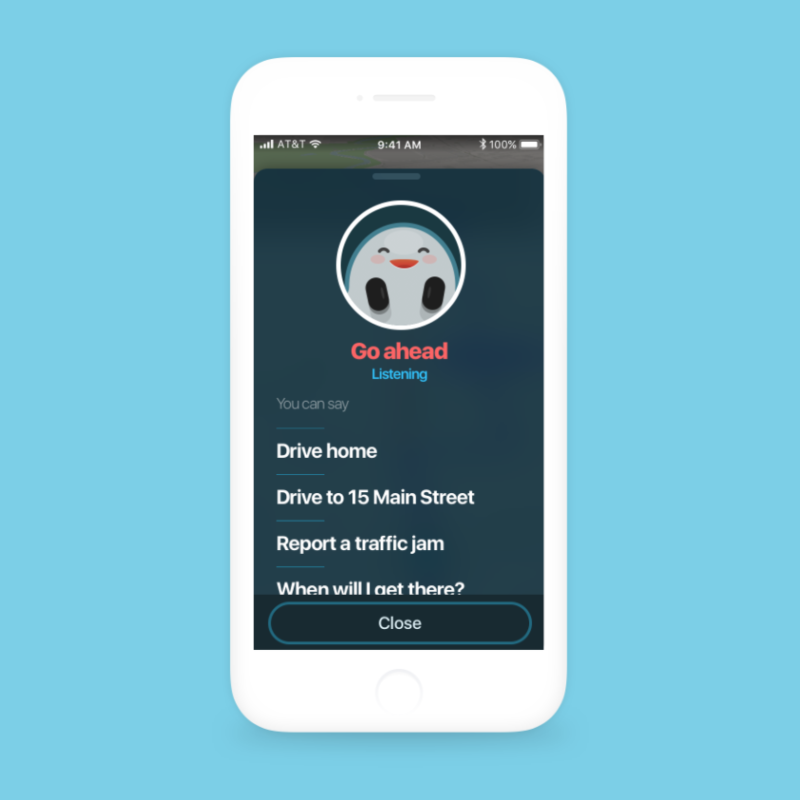
The “OK Waze” voice command mode is hands-free, perfect when you’ve got your hands full of the handles as you travel. This mode lets you change your destination or request new information such as traffic jams, road hazards, or accidents. To set up the voice activation, go to Settings, select “Sound & Voice”, “Talk to Waze”, and then “Listen for OK Waze” so that the next time you say “OK Waze”, the app will respond to you where you can ask for information on traffic jams, road hazards, or accidents.
Safe travels, fellow riders!
(Image: Waze)